

Solutions
One template. Every way you make documents.
Build a template once and publish one approved version. People open it from a link, your website shows it, your scripts run it, your AI assistant fills it in, and your own code builds it. When you publish a new version, every one of them uses it straight away.
One invoice, five ways
Every example uses the same published monthly invoice, with two fields filled in: the company (Acme) and the month (March).
1 · Paperwork.Viewer
From a Link
Send a link. People open it, check the details and download the PDF, on any device. Nothing to install.
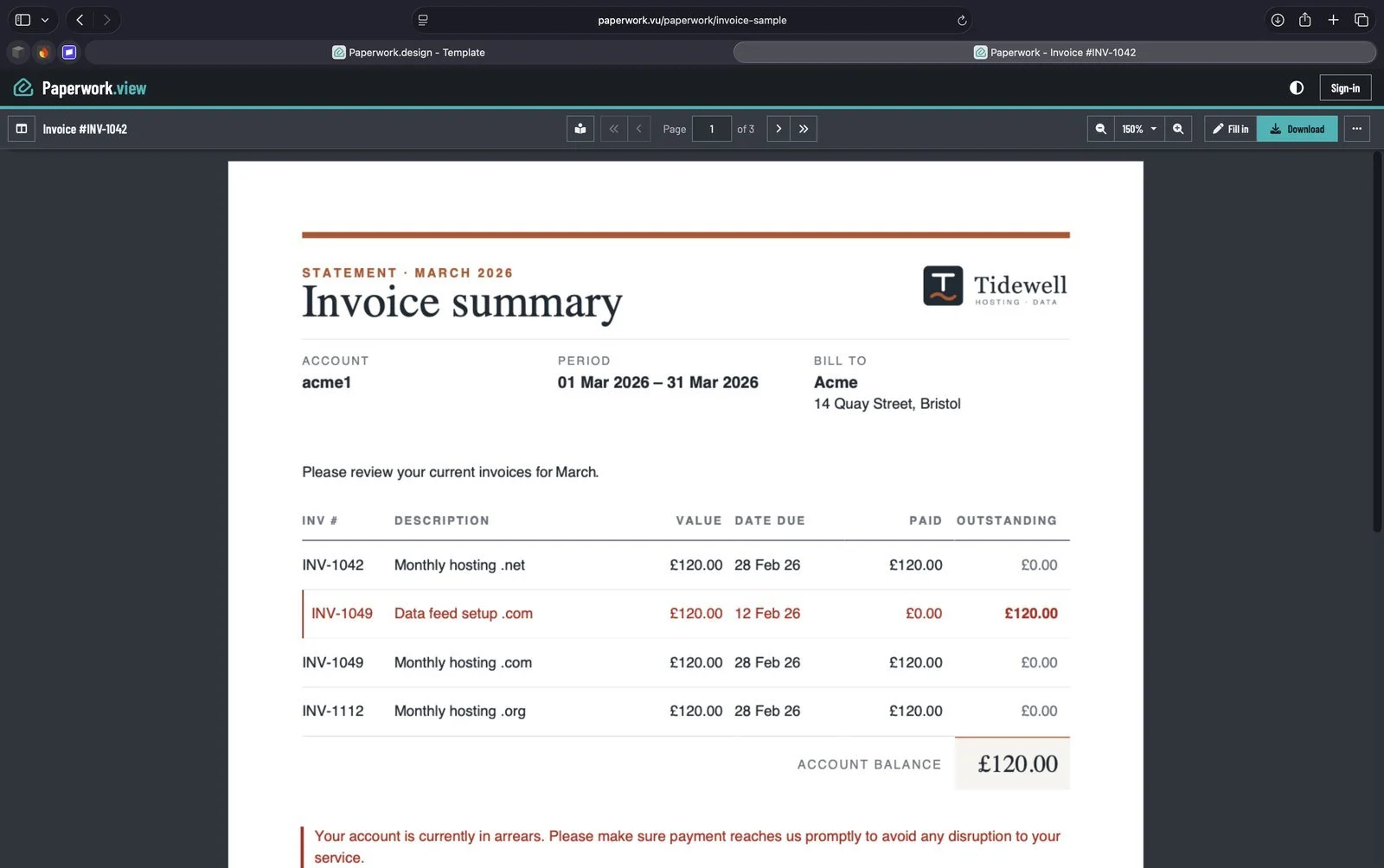
paperwork.vu/paperwork/invoice-sample?name=Acme&invoiceMonth=3
2 · Paperwork.Viewer
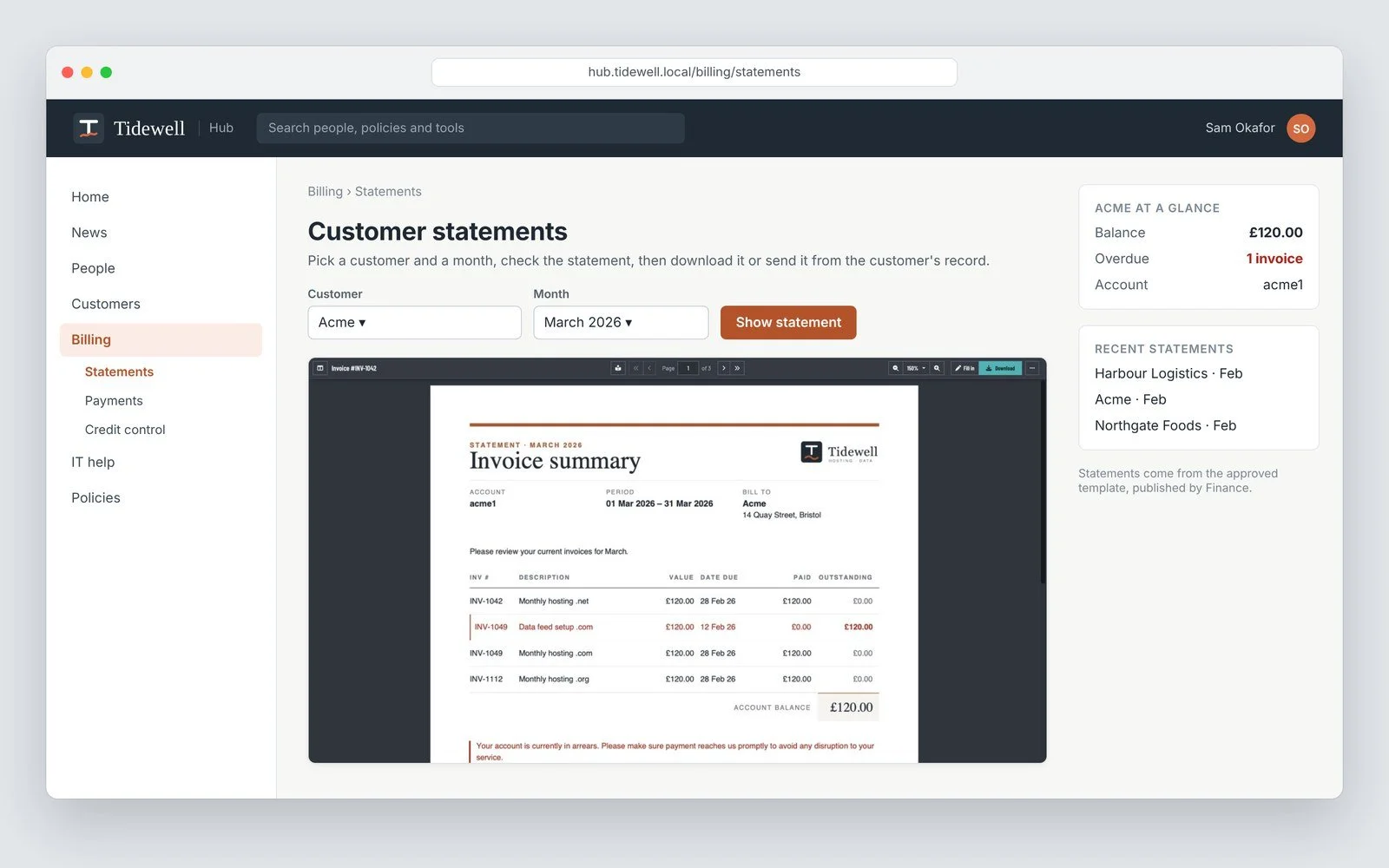
On your website
Put the same document on a page you already have, such as your intranet or a client portal.
3 · Paperwork.CLI
In a Script
Make it on a schedule or in a pipeline, with no one at a screen.
$ paperwork generate --template paperwork:invoice-sample --field name=Acme --field invoiceMonth=3
4 · Paperwork.Skill
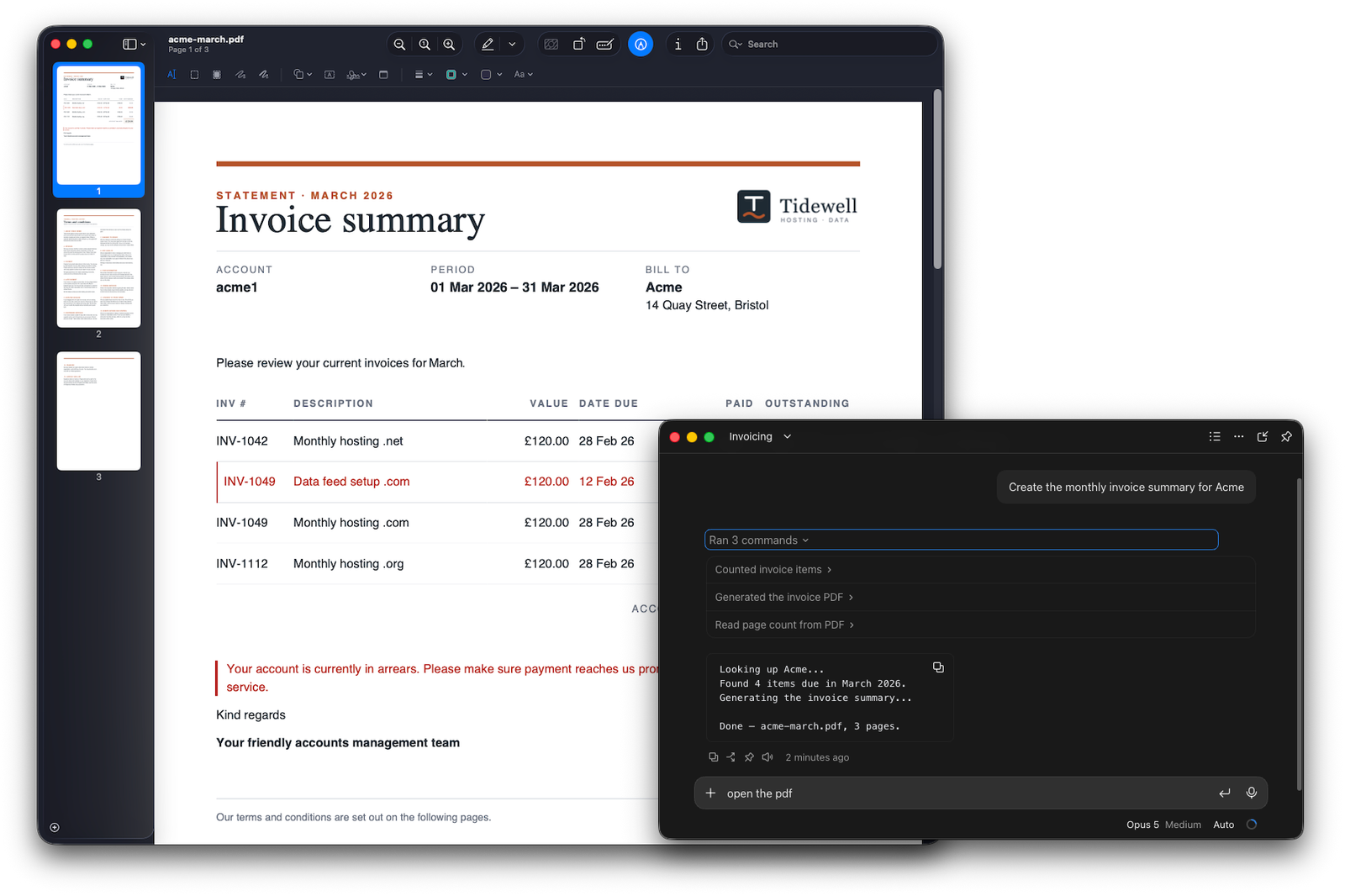
By Asking
Put the same document on a page you already have, such as your intranet or a client portal.
5 · Paperwork.Core
In your own application
Your .NET application makes the invoice itself, from the published template or a file you export from the Designer.
Your team sees only what it should
Templates live in collections. A Publisher decides who is in each one and what they can do, and publishes the version they use. Nobody else sees them.
The five solutions
Where you create, update and publish your templates, and choose who can use them.
Learn more → Share Paperwork.ViewerDocuments from a link or on your own site, with nothing to install.
Learn more → Automate Paperwork.CLIDocuments from scripts, scheduled jobs and pipelines.
Learn more → Delegate Paperwork.SkillAsk your AI assistant for a document in plain English.
Learn more → Build in · Open source Paperwork.CoreThe engine every solution runs on, inside your own .NET applications.
Learn more →